Timetracks – Slit-Scan Camera
Timetracks is a camera image-capture application which uses a slit-scan technique. Like an image scanner, it generates a unique effect over a certain defined duration – moving objects and changing scenes will produce interesting photographs.
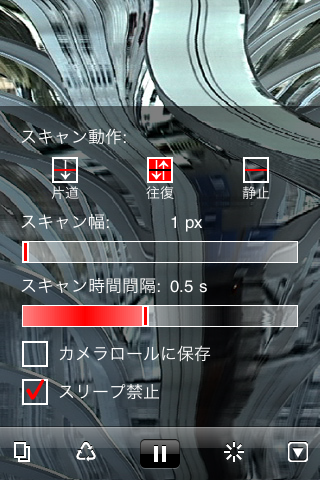
This application includes the following optional settings:
– One way, Palindrome and Still scan movement
– Scan line width
– Scan time interval
– Save to Camera Roll
– Disable Sleep
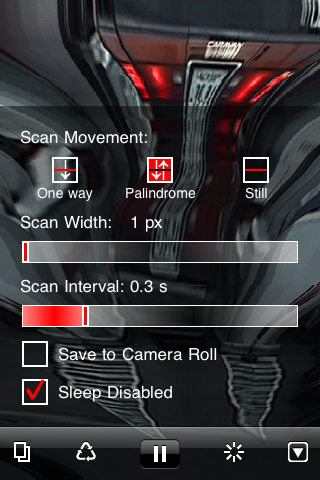
When you activate the “Save to Camera Roll” option, the image will be automatically saved periodically. The activity indicator will be shown while saving. Please note that any unsaved images will be lost when you quit the application.
FYI: I also made the installation version of Timetracks. You can check it here.
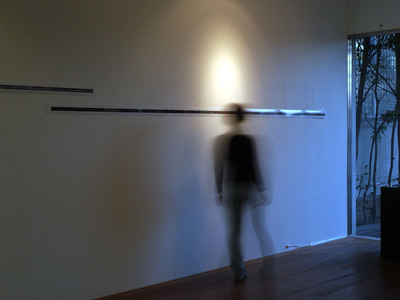
Examples

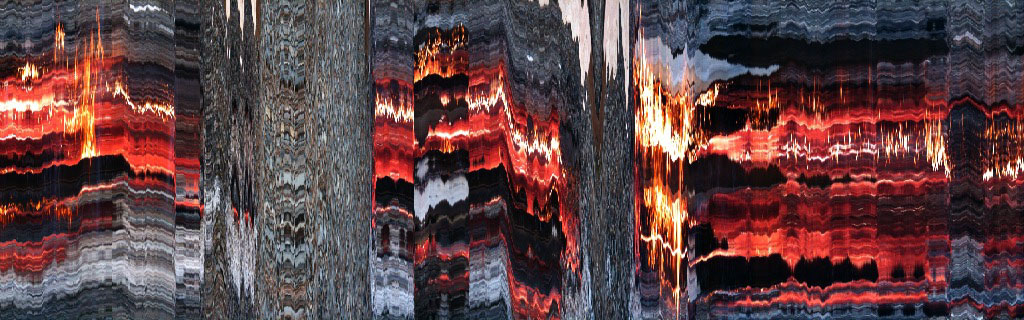
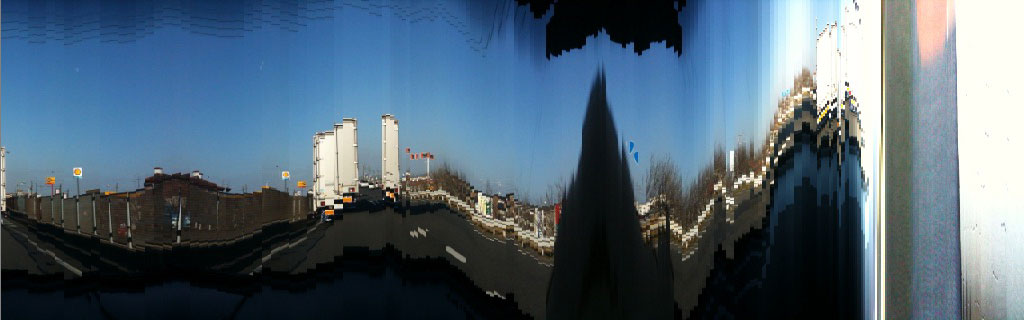
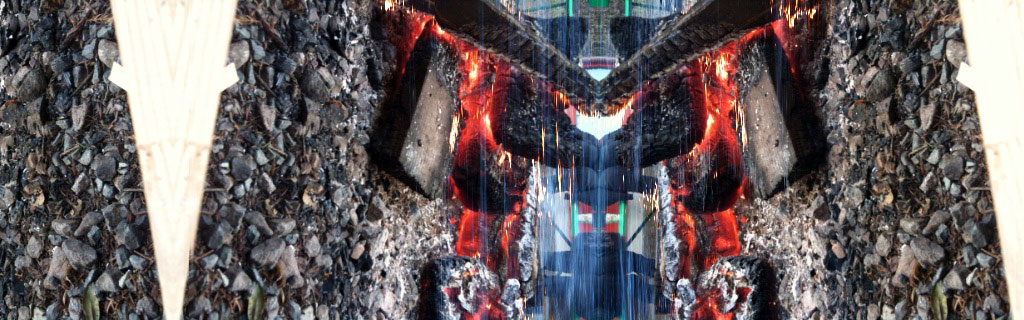
A ship trip from Naoshima Island to Uno Port (10240 x 320 pixels)

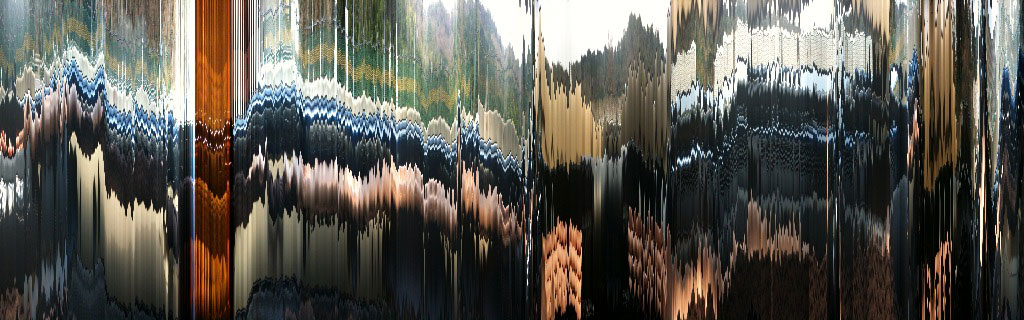
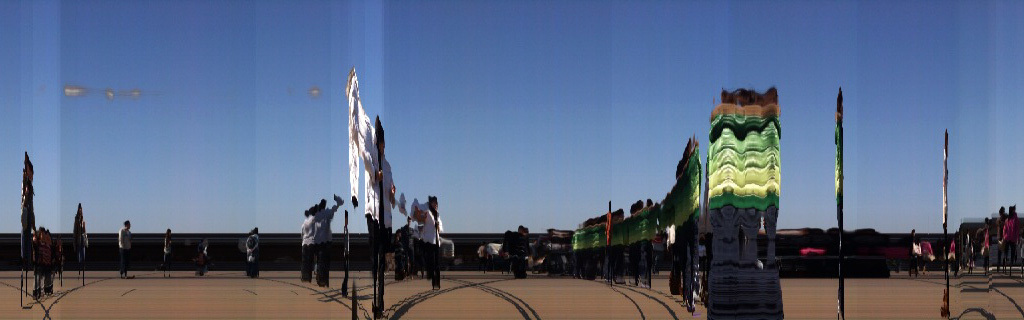
An observation deck in Ohtsu service area (5120 x 320 pixels)
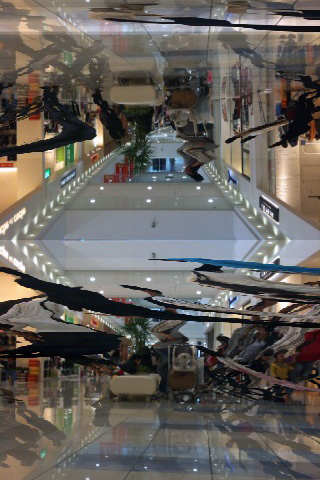
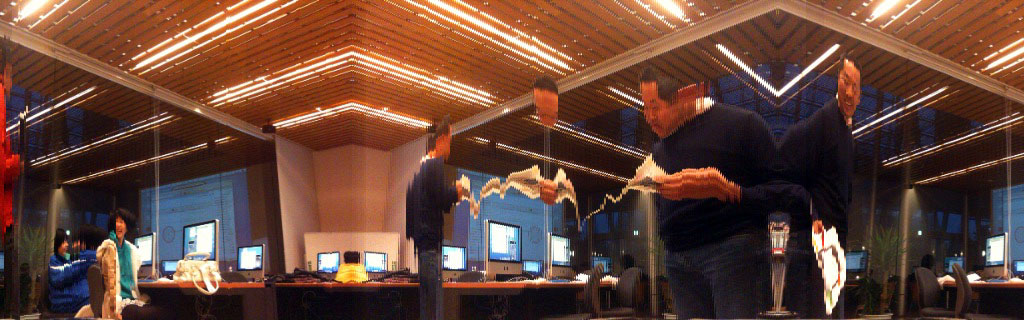
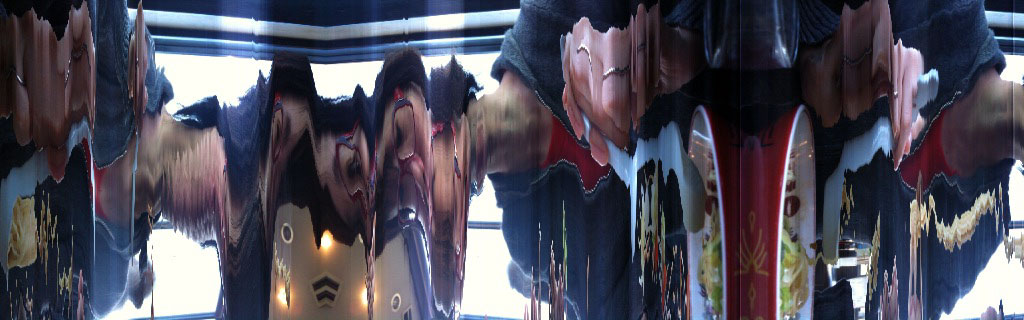
Shopping Mall, Scan Movement=Palindrome (At the same position of the below picture)
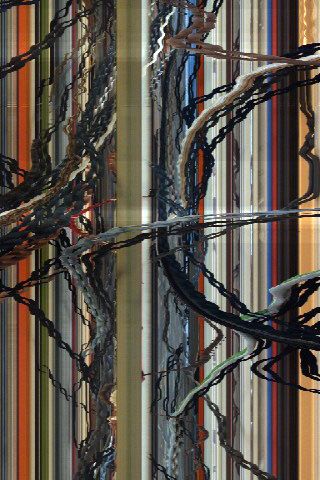
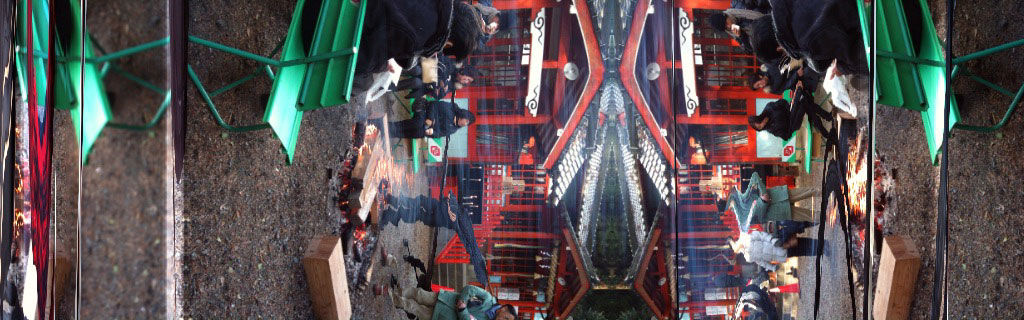
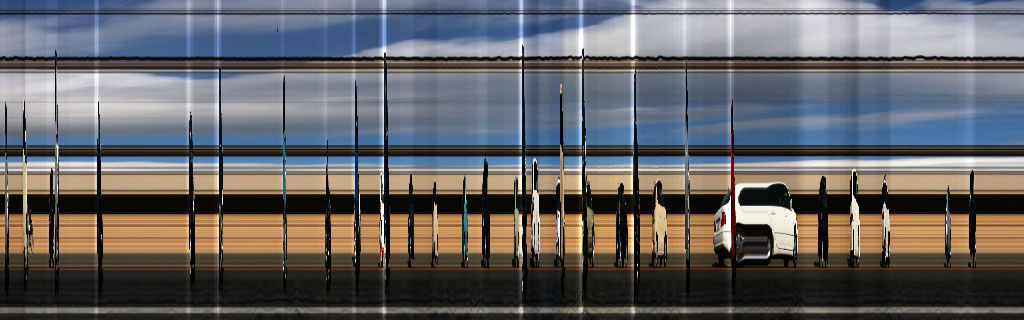
Shopping Mall, Scan Movement=Still (At the same position of the above picture)

Timetracks – スリット・スキャン・カメラ
Timetracksはスリット・スキャン方式によってカメラ映像を表示し、撮影するアプリケーションです。スキャナーのように時間をかけて画像を作り出すので、動きのある物体や風景を撮影すると面白い効果が得られます。
このアプリケーションでは、以下のオプション設定ができます。
– 片道、往復、静止のスキャン方式
– スキャン・ラインの幅
– スキャンの時間間隔
– カメラロールへの画像保存
– スリープの禁止
画像保存のオプションを設定すれば、自動的に画像が保存され、画像の保存中はアクティビティ・インディケータが表示されます。アプリケーションを終了すると、作成中の画像は失われますのでご注意ください。
FYI: インスタレーション版Timetracksも制作しています。こちらでご覧にいただけます。
Timetracks – 스캐너 카메라
Timetracks는 슬릿 스캔 방식으로 영상을 표시, 촬영하는 응용 프로그램입니다.
스캐너와 같이, 긴 시간에 걸쳐 이미지를 만들어내므로, 움직임이 있는 물체나 풍경을 촬영할 경우 재미있는 효과를 얻을 수 있습니다.
Timetracks는 이하과 같은 옵션 설정이 가능합니다.
– 단방향 스캔, 왕복 스캔, 고정 스캔의 3가지 방식
– 스캔 라인의 두께 설정
– 스캔 시간 간격
– 카메라롤에 사진 저장
– 잠자기 기능 정지
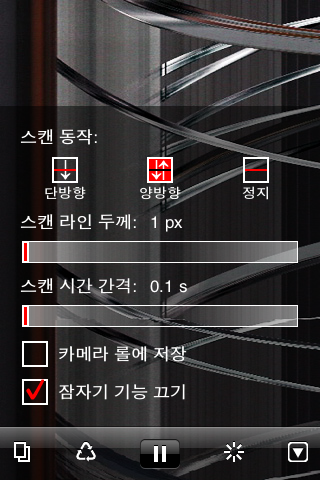
사진 저장 옵션을 설정하면, 자동적으로 사진이 저장되며, 저장되는 중에는 진행 상태가 표시 됩니다.
저장 진행이 끝나기 전에 응용 프로그램을 종료하면, 작성중인 사진은 저장되지 않으므로 주의하시기 바랍니다.
FYI: I also made the installation version of Timetracks. You can check it here.
ピンバック: スリットでスキャン【Timetracks】リリース « akalogue
ピンバック: app.itize.us » Blog Archive » Timetracks
I have purchased your app, and it is very interesting, but it would be so very wonderful if you could make the app save the current timetracks image immediately when the user touches anywhere in the image area of the current track. That way, the user can more easily control when the save occurs. Also, it would be very wonderful if you could make the timetracks more than 320 pixels high, if you were to use 1000 pixels, that would make a much better print.
Thank you for this very interesting application,
Tom
Hi TomZ, Please wait for the next version.
How can I force a save?
Higher res would be appreciated too.
Hey there, I purchased this app, and it barely ever works… It usually gets about 1/5 of the way through the screen, and then freezes. Cool idea, but does not work as advertised. saving is a big issue, too.
iPhone 3Gs, iOS4.1
Hi Jarret, I checked Timetracks with iPhone 3GS and iOS4.1 and it works properly. Would you try re-install the app and restart your iPhone ?
Hey Masayuki,
How exactly do you save the image?
Thanks,
Kamen
Hi Kamem, The generated image will be saved automatically by 1024 pixels while you enable “Save to Camera Roll” option. You can see the image in the Camera Roll of “Photos” app.
great app
whens the update
hopefully with higher res and quick save functions
but great app
tom
Hey Masayuki
couple of thoughts for next upgrade
1 longer time maybe up to 1 min –
2 this maybe hard to do – but some kind of soft merging between sections – although the sharp lines are also excellent – soft blur option
3 higher res saved files
4 option to save when desired image reached
fantastic app – already creating some great images
many thanks
Just downloaded to my iphone4 running ios4.3 and it generates all-white pictures regardless of any setting…
And for some reason it started to work now 🙂 Thanks!
初めまして。
TimeTracksについて質問です。
こちらの環境はiPhone4、iOS4.3なのですが、正常に動きません。
アプリ自体は起動するのですが、白い画面が流れて行くだけで、
カメラからの画像が反映されません。
iOS4.3では動かないのでしょうか。
ご回答をお願いいたします。
yuji imaiさん、必ずしもではないようですが、ご指摘の現象を確認しています。現在対応を進めていますので、いましばしお待ちいただけますか?ご迷惑をおかけして大変申し訳ありません。
Akamatsu様
ご回答、有り難うございます。
近々で使いたく、ご連絡させていただきました。
ご確認、ご対応を何卒宜しくお願いいたします。
hi
i have just updated my ipod touch and now timetracks only displays a white screen
please can you fix this
this is one of my favorite apps
pleeeeeeeeeeeeeeeeeeeeease fix !!!!!!!!!!!!!!!!!!!!
tom
Hi Tom, Sorry for that. I’m working on it. Just a moment, please.
I am seeing white screen and inconsistent photo captures as well. Deleted app, restarted, reinstalled, no change in behavior…this is one of my favorite apps and since I’m dating to iphone IOS 4.3.1 there has been this problem with TimeTracks. please let me know if you need any example photos. I will be glad to send them!
Hi blortblort, I’m fixing it. Please wait for a while. I hope the updated version will be available at App Store soon.
Thanks so much for your quick reply! Good to know the fix is coming 😉
The updated version of Timetracks was rejected by Apple. I think it’s because of a schematic reason (not a technical reason) and it might take more days to be in approval. I’m sorry and thank you for waiting.
That is odd, Masayuki….take your time… I’m sure all of us will realize it is worth waiting for once your update is accepted 😉
You have made my day! Thanks!
Timetracks has been updated. Now it supports iOS 4, iPod touch (4G), iPad 2. Thanks for waiting.
…and it is a WONDERFUL thing to have Timetracks back!!! Thanks for your hard work!!!!!
=]
Hi blortblort, Thank you for waiting. I went to WWDC and asked the staff directly. Then the app was approved. It’s a long story of over two months.